
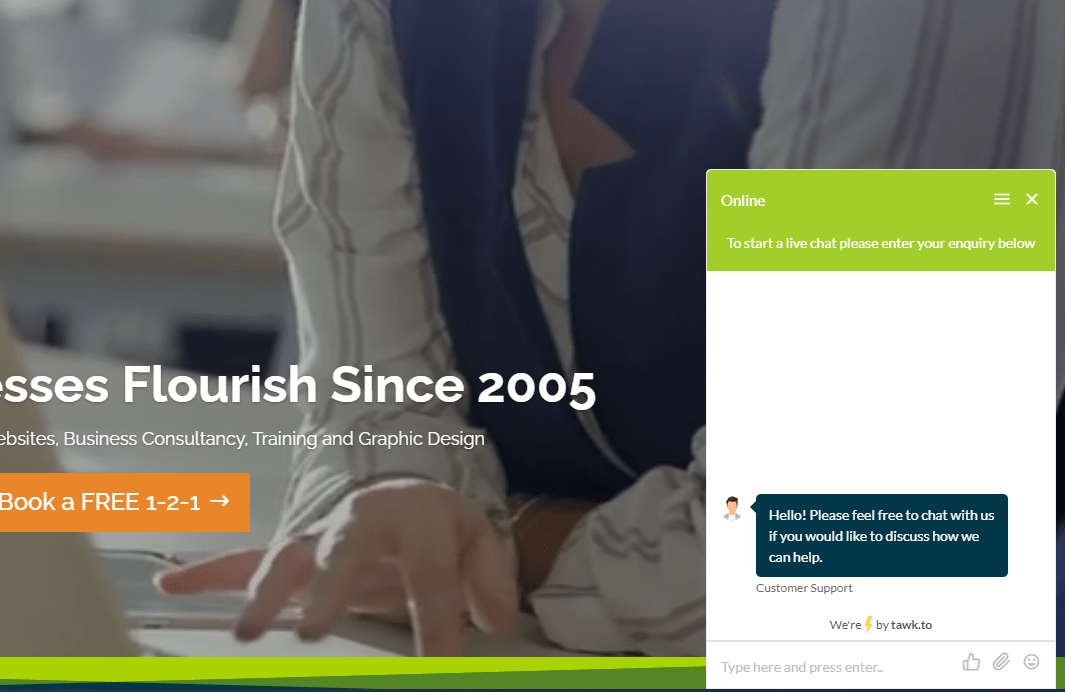
Add a free and easy to use chat widget to your website and watch your enquiries increase! People want to feel like their enquiries are being addressed straight away. By providing a chat widget on the site, it gives users an opportunity to make quick contact on any page, which is great for conversion optimisation. Luckily we’ve found one for you to use which is not only free, but you don’t need to be a web developer to implement.
We’ve added this system for many of our digital marketing clients, as well as InSynch!
You can feature this as a live chat or static contact submission form which comes through to you directly via email.
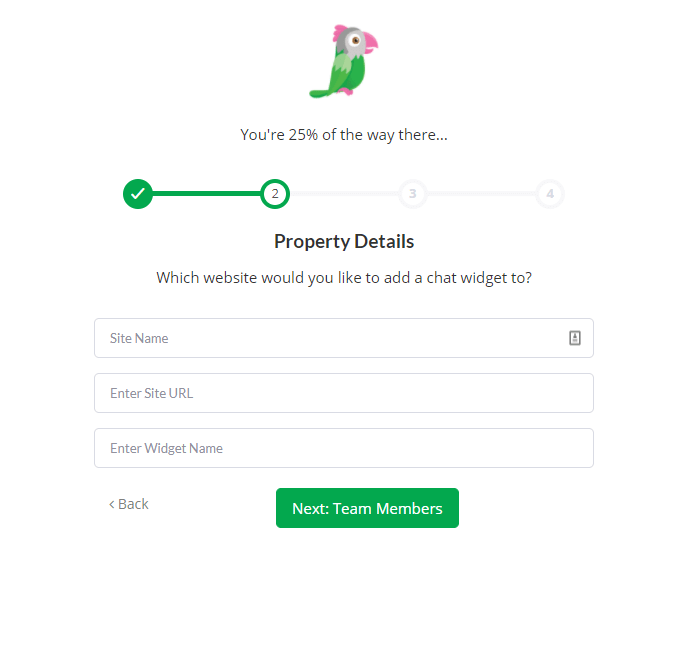
4. Add team necessary team members by email and role
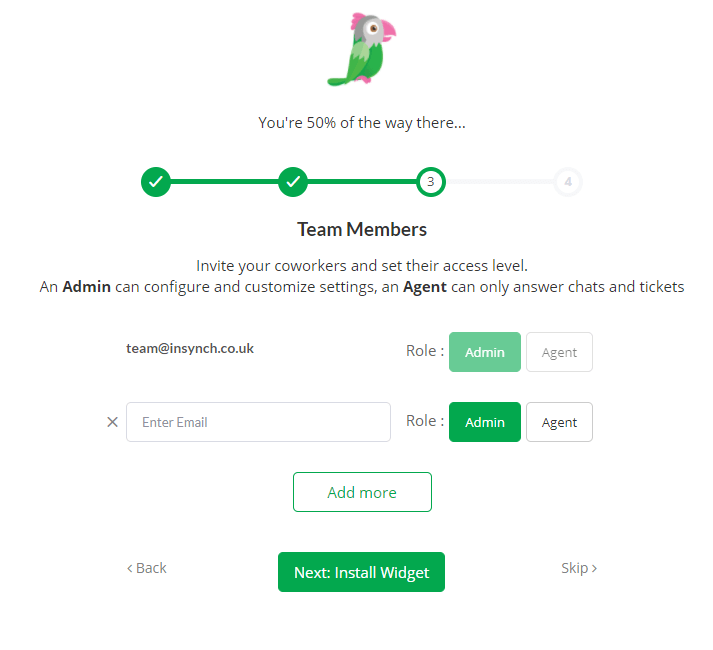
5. It will then give you the option to install your widget. You can do this manually by inserting a short snippet of code, or if your site is built in WordPress, Big Commerce, Drupal, Joomla, Magento, Opencart, Pretashop, Shopify, WHCMS or Zencart it will link you directly to how you can set this up.
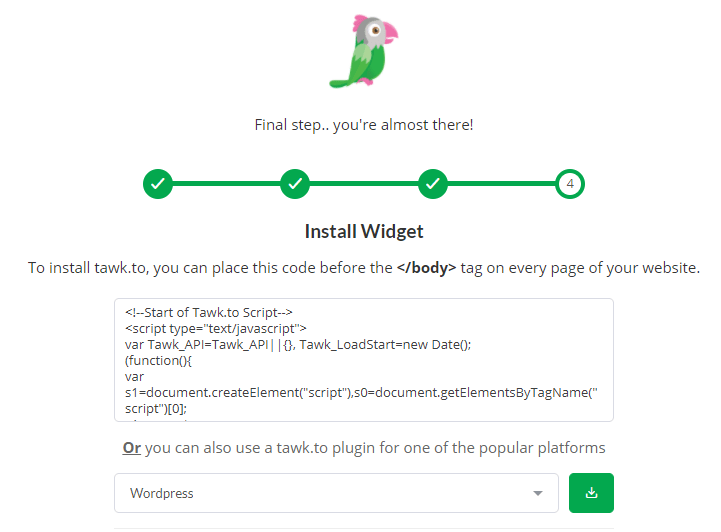
6. Once you’ve clicked ‘Done’ it will automatically take you to your Dashboard. It’ll ask you if you’d like to take a tour, I’d recommend doing this just so you’re aware of where things are.
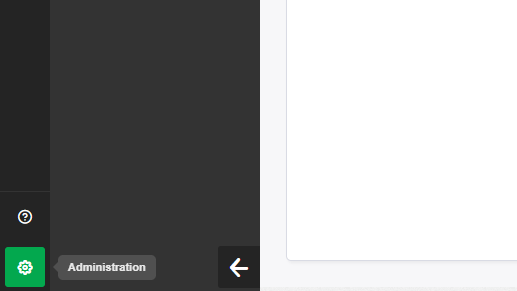
7. To set up your widget, go to ‘Administration’. in the bottom left corner
8. Click ‘chat widget’
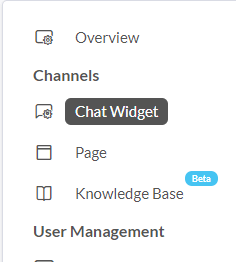
9. From here you can change the widget appearance, colour, content and schedule. For example, you may only want it online between the hours of 10-4 from Monday – Thursday, in which case you can set this up within the scheduler. If you’re not in a position to manage the online chat widget and would prefer it to feature as a static contact, you can set this by managing your scheduler to be offline at all times and changing the messaging within widget content.
10. ‘Active chats’ is where you can see any current chat data. When a chat comes through, you can set this to ring out on your desktop and the active chat appears highlighted in pink within the left-hand bar, you’ll just need to click this to answer. Rather than just managing on your browser, you can also download the desktop app and mobile app. That way notifications will come through, and your phone can even call so you never miss an enquiry!
Contact us for more tips or arrange a free strategy session with a digital marketing expert.